Battery
—%
Ready when you are
A CLEARER VIEW OF YOUR EVERYDAY
A little more connected to the car you love.
YOUR VEHICLE
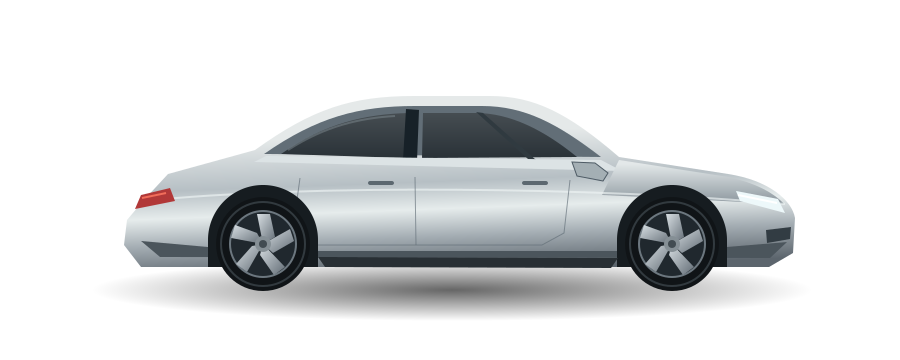 YOUR NEXT DRIVE STARTS HERE
Bring your Tesla into view. Sign in to see your vehicles and check in before your next drive.
Connect with TeslaVehicle information access only. Your sign-in happens with Tesla.
Your vehicle readings will appear here.
—%
Ready when you are
—mi
Vehicle-reported estimate
—
No reading yet
—°F
A comfortable start
Refresh when you need an update. Readings are kept for 60 seconds between requests, and the app lets a sleeping car rest.
Finish these steps to connect your account. Your client secret stays on the server.
CLIENTID and CLIENTSECRET from your existing .env.APP_URL=https://your-domain.example to .env and serve this app at that address. In the Tesla developer portal ↗, match the allowed origin to that address and the redirect URI to the callback below.—node scripts/tesla.mjs keys. Once your public HTTPS address serves the key, run node scripts/tesla.mjs register. The Tesla registration docs ↗ explain this step.